Disclosure: As an Amazon Associate, Kaoubi Lab earns from qualifying purchases. This never changes our recommendations or what you pay.
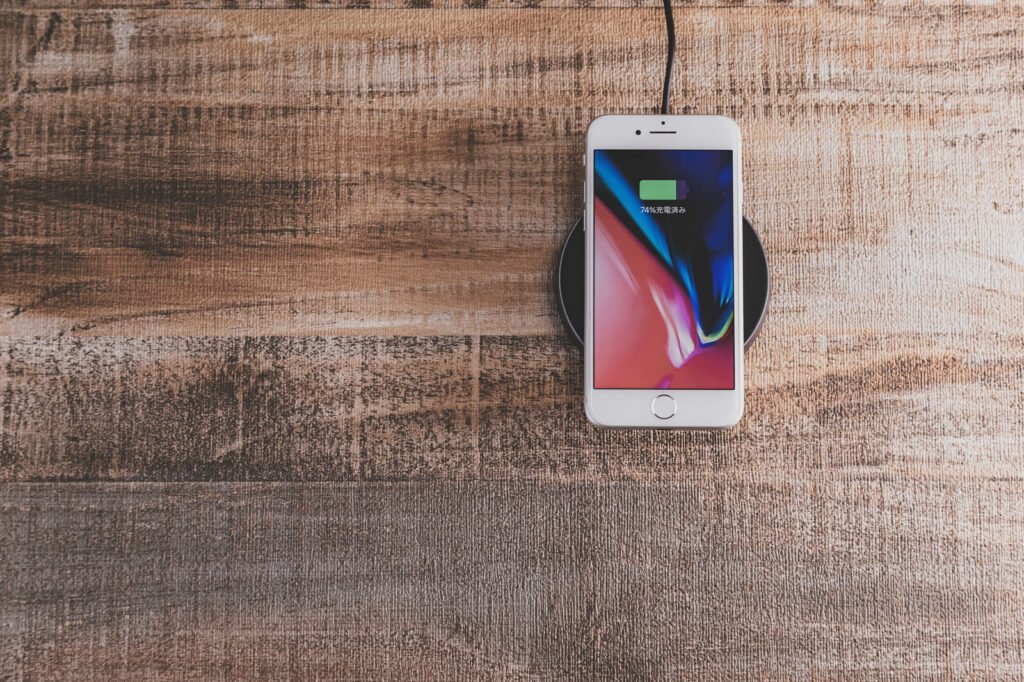
Wireless charging is convenient, but the marketing is confusing. Wattage numbers, standards and form factors all vary. This guide explains what actually affects your experience.

Qi, Qi2 and MagSafe explained
Qi is the universal wireless charging standard. Qi2 adds magnetic alignment so the phone snaps into the right position, which improves efficiency and reliability. Apple’s MagSafe uses a similar magnetic approach. Check your phone’s supported standard on the manufacturer’s site before choosing a charger.
What to look for
- Charging speed: your phone caps the speed, so a very high wattage charger will not charge it faster than its limit. Match the charger to your phone’s maximum wireless rate.
- Included power adapter: many chargers need a separate wall adapter for full speed. Check whether one is included.
- Stand or pad: a stand lets you see notifications and use Face ID at a desk. A flat pad is better for the nightstand and for earbuds cases.
- Case compatibility: thick or metal cases, and cases with cards or rings, can block charging.
- Safety features: overheating and foreign object protection should be listed.
- Multi-device pads: a 2-in-1 or 3-in-1 can cover phone, earbuds and watch, but some watches need a dedicated puck.
Common mistakes
- Buying a charger without a power adapter and then using a slow old one.
- Placing the phone slightly off-center on non-magnetic pads, which can pause charging.
- Expecting wireless charging to be as fast as a good wired cable. It usually is not, and it produces more heat.
Our take
For a desk, choose a stand with magnetic alignment if your phone supports it. For a nightstand, a simple pad or a 3-in-1 station keeps cables tidy. Check that the listing names your phone’s supported standard, and read recent reviews for heat and alignment complaints.