Disclosure: As an Amazon Associate, Kaoubi Lab earns from qualifying purchases. This never changes our recommendations or what you pay.
If you spend hours in video meetings, an external webcam is one of the most noticeable upgrades you can make. The sharper picture and better framing are immediately obvious to everyone on the call.

What actually improves how you look on camera
- Sensor and low-light performance: bigger sensors and better lenses handle dim rooms better than raw resolution numbers suggest.
- Resolution: 1080p is plenty for most calls. 4K helps mainly if you record content or crop in.
- Autofocus and auto light correction: these keep you clear when you move or when the room lighting changes.
- Field of view: around 78 to 90 degrees suits one person. Wider views fit multiple people but show more of your room.
- Frame rate: 30 fps is standard. 60 fps feels smoother but needs good light and bandwidth.
Do not ignore audio
Built-in webcam microphones are usually mediocre. If you take calls daily, a headset or a small USB microphone often improves how you come across more than a better camera does.
Privacy and convenience
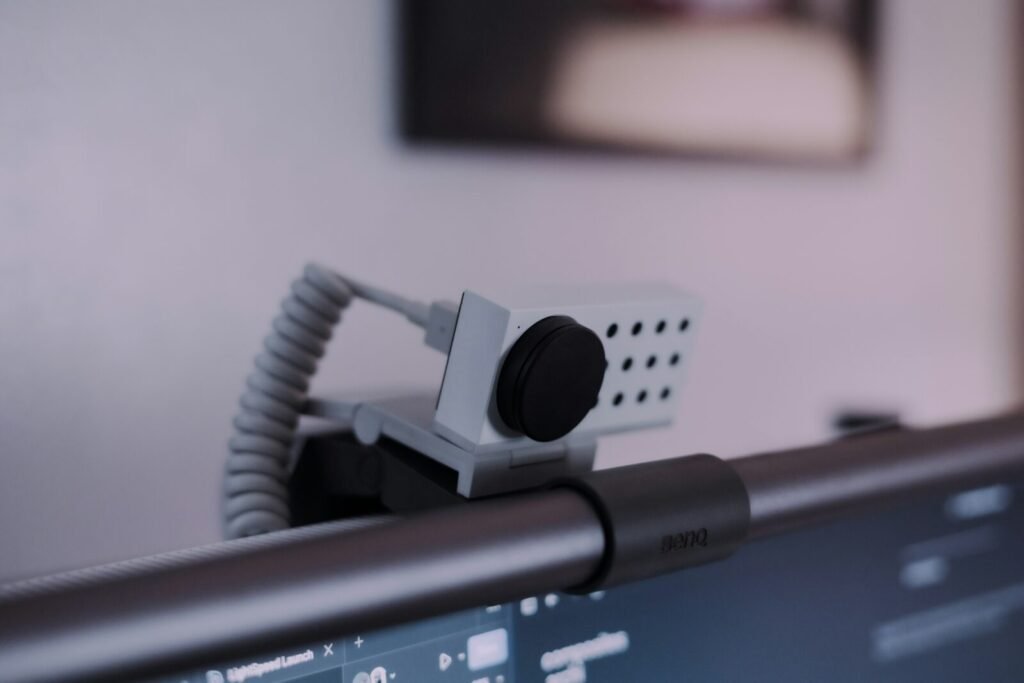
- A physical privacy shutter is a simple, reliable feature.
- Plug-and-play USB support works without drivers on most laptops.
- Optional software lets you adjust zoom, brightness and color. Check that it supports your operating system.
- A clip that fits both laptops and monitors, plus a tripod thread, gives you flexibility.
Quick tips for a better picture
- Face a window or lamp instead of sitting with light behind you.
- Raise the camera to eye level with a stand or a stack of books.
- Clean the lens. It sounds silly, but it makes a visible difference.
Our take
A solid 1080p webcam with good autofocus and a privacy shutter covers nearly everyone. Spend extra only if you stream, record, or work in poor light. Compare current models and recent reviews on Amazon before buying.